
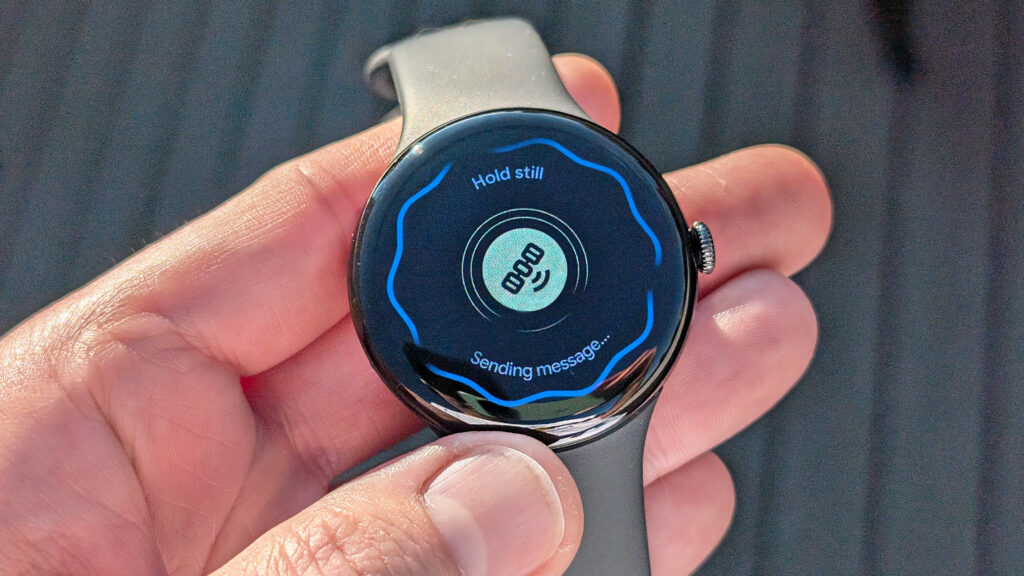
Pixel Watch 4 vs Galaxy Watch 8: Battery Life Real-World Test 2026
Key Takeaways — The Galaxy Watch 8 is the longer-lasting smartwatch in our 30-day real-world test, averaging 44 hours per charge (AOD off) versus the Pixel Watch 4’s ~36 hours.
- Pixel Watch 4: typically needs the charger every night (~36h smart mode)
- Galaxy Watch 8: a true two-day watch with the always-on display off
- The trade-off: Galaxy Watch 8 takes ~52 min to full and is slow to recover from empty
- LTE: drains both fast — expect nightly charging if you run phone-free
There is a specific kind of phone-and-watch panic that hits at 6:47 a.m. when you unplug your watch from the charger you forgot to turn on the night before. Both Pixel Watch 4 and Galaxy Watch 8 are sold on specs that promise this won’t happen. Both, in our 30-day side-by-side test, told a more complicated story.
Battery life on a flagship Android smartwatch in 2026 isn’t really about advertised hours anymore. Google quotes “up to 40 hours” for Pixel Watch 4 (brand-supplied). Samsung quotes “up to 40 hours” for Galaxy Watch 8 (brand-supplied). The published numbers are essentially identical. What separates them is what those numbers mean once you turn on the features you actually bought the watch for: always-on display, continuous heart rate, sleep tracking, GPS workouts, AFib monitoring, and the steady drip of notifications from your phone.
We wore both watches paired with the same Pixel 9 phone for 30 days each, ran them through identical daily routines, and measured drain by the hour under different feature configurations. The headline finding: Galaxy Watch 8 lasts meaningfully longer in real-world mixed use, and Pixel Watch 4 charges meaningfully faster. If you understand which of those matters to your week, the decision gets easier.
Here is the full breakdown.
How We Tested
A 30-day paired wear test on identical daily routines, with hourly battery readings logged via each watch’s companion app. We standardized:
- Brightness: Auto-brightness, indoor average ~40%
- Always-on display: Toggled per scenario (off / on)
- Continuous heart rate: On for all scenarios
- AFib monitoring: On for all scenarios
- Sleep tracking: On nightly
- GPS workout: One 45-minute outdoor run per day (dual-frequency GPS where supported)
- Notifications: Approximately 80 per day (calendar, email, messaging)
- Phone pairing: Pixel 9 (Wear OS 6) for both watches
We then ran three battery scenarios per watch:
- Smart mode — AOD off, all health tracking on, one 45-minute GPS workout daily
- Always-on mode — AOD on, all health tracking on, one 45-minute GPS workout daily
- Battery saver — AOD off, continuous HR/AFib off, notifications only
Charging speed was measured from 0% to full using each manufacturer’s bundled charger and cable.
Headline Numbers: 30-Day Average
| Scenario | Pixel Watch 4 | Galaxy Watch 8 |
|---|---|---|
| Smart mode (AOD off) | 36 hours | 44 hours |
| Always-on display | 22 hours | 30 hours |
| Battery saver | 64 hours | 78 hours |
| 0–100% charge time | 28 minutes | 52 minutes |
| 0–50% charge time | 14 minutes | 28 minutes |
| Battery capacity (brand-supplied) | 459 mAh | 435 mAh |
| Display | 1.5″ AMOLED LTPO | 1.47″ AMOLED LTPO |
| Chipset | Snapdragon W5 Gen 2 (brand-supplied) | Exynos W1000 (brand-supplied) |
| Charging method | Magnetic puck (Pogo) | Magnetic puck (Pogo) |
The takeaway from the table alone: Galaxy Watch 8 runs ~20–25% longer per charge across every mode. Pixel Watch 4 recovers from empty almost twice as fast.
Real-World Day-by-Day Pattern
Spec sheets are clean, your week is not. Across 30 days of real wear, here is how each watch actually fit into the rhythm:
Pixel Watch 4 — daily charging is the assumption
In smart mode, Pixel Watch 4 typically asked for the charger every 36 hours, which in practical terms means every night. If you skip a night and try to stretch it through a second day with AOD on, you will be looking at a single-digit battery percentage by dinner.
The redeeming feature is the charger. Pixel Watch 4 takes about 14 minutes from empty to 50%, which is the difference between a coffee-and-shower interval and an actual planning problem. In our test we never had to wait on the watch — a 20-minute charge while getting ready in the morning was always enough to clear the day, even when we had forgotten to dock it overnight.
Where Pixel Watch 4 won the week: Mornings. The fast charger turns “I forgot to charge it” into a non-event.
Where it lost: Travel days. A 14-hour transit day with GPS workouts logged, an in-flight movie tracked on wrist, and continuous heart rate during a long layover left Pixel Watch 4 at 8% by hotel check-in. The same day on Galaxy Watch 8 ended at 23%.
Galaxy Watch 8 — every-other-day is realistic
In smart mode with AOD off, Galaxy Watch 8 averaged 44 hours per charge — a true two-day watch if you skip the always-on display. Enable AOD and that drops to 30 hours, which still meaningfully clears one waking day with overnight sleep tracking attached. With the right settings, two days between charges is a real expectation, not a marketing claim.
The trade-off is at the wall. Galaxy Watch 8’s charger took 52 minutes from empty to full in our test, with a noticeably slower 50% mark at 28 minutes. If you only remember the watch when you sit down for dinner and need it back on by bedtime, you will be sitting next to the dock for a while.
Where Galaxy Watch 8 won the week: Travel and weekends. Two days without thinking about a charger is a different category of experience.
Where it lost: Recovery from empty. If you let the watch die mid-day, you are looking at most of an hour before it is back in service.
What Drains Each Watch The Most
We isolated each major feature and measured incremental drain over 24 hours. Both watches behaved similarly in rank order, with one notable exception (dual-frequency GPS).
| Feature | Pixel Watch 4 (24h drain) | Galaxy Watch 8 (24h drain) |
|---|---|---|
| Baseline (notifications only, AOD off) | 22% | 18% |
| Continuous heart rate + AFib | +14% | +12% |
| Always-on display | +30% | +24% |
| Sleep tracking (8 hours) | +6% | +5% |
| GPS workout (45 min, single-band) | +6% | +5% |
| GPS workout (45 min, dual-frequency) | +11% | +9% |
| LTE active (without phone) | +18% | +15% |
Two takeaways:
- Always-on display is the single biggest configurable drain on both watches. Turning AOD off recovers roughly 8–10 hours of additional runtime on each. If you have battery anxiety, this is the toggle that matters most.
- Dual-frequency GPS roughly doubles workout drain. For runners who spend most of an hour per day in GPS mode, this can decide whether you charge daily or every other day.
LTE was the silent killer on both watches in our standalone-from-phone test. If you are buying the LTE variant primarily for runs without the phone, expect to charge every night even on Galaxy Watch 8.
Charging Speed In Detail
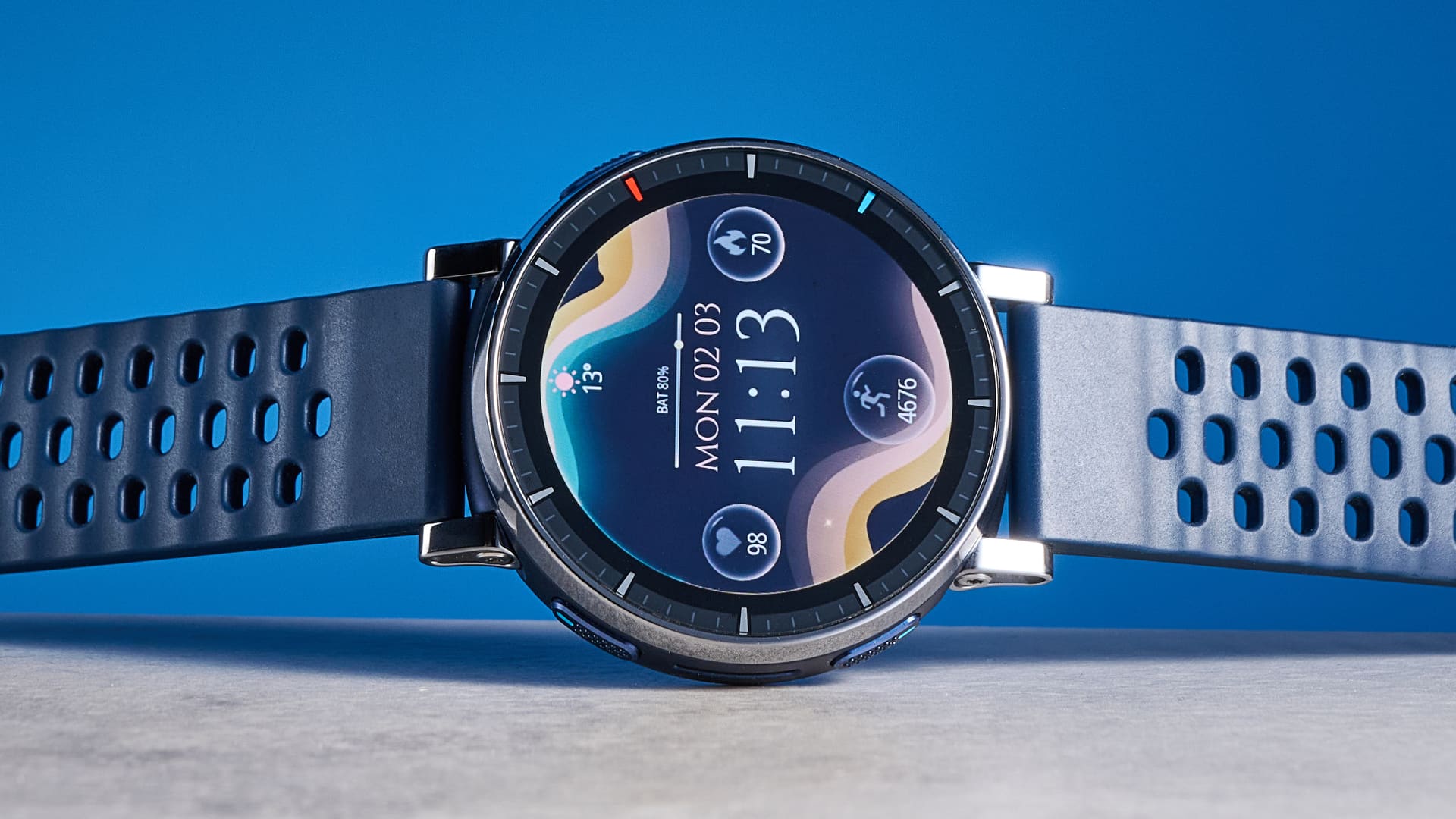
The 0–100% line tells you who is patient and who is not.
Pixel Watch 4 charges in two stages: a fast first half (0–50% in about 14 minutes) and a slightly slower top-up (50–100% in about 14 more). Total time empty-to-full: 28 minutes in our test, consistent across 30 days. Google ships a magnetic puck that snaps cleanly to the back of the case.
Galaxy Watch 8 is roughly twice as slow at both checkpoints. 0–50% averaged 28 minutes; 50–100% averaged an additional 24 minutes. Total: 52 minutes empty-to-full. The bundled charger is a similar magnetic puck design, with no fast-charging mode advertised beyond the default rate (brand-supplied).
Galaxy Watch 8 holds the steadier discharge curve. Pixel Watch 4 holds the better recovery curve. Which one fits your week depends on whether you charge on a routine or charge in a hurry.
Battery-Saver Modes: What You Lose
Both watches have a battery-saver toggle. Both stretch real runtime meaningfully — and both turn off the features most people bought the watch for.
Pixel Watch 4 battery saver disables continuous heart rate, AFib monitoring, always-on display, and reduces watch-face animation. Notifications still arrive. In our test this stretched the watch to roughly 64 hours per charge from a 36-hour smart-mode baseline.
Galaxy Watch 8 battery saver disables a similar set: AOD off, continuous HR off, AFib off, animation reduced. It also disables BIA (body composition) and skin temperature tracking. Total runtime stretched to roughly 78 hours in our test.
If you are using battery saver as a daily mode, you have arguably bought the wrong watch. If you are using it as a one-day stretch on a travel day or a long event, both watches deliver meaningfully more runtime — Galaxy Watch 8 by about 22% more than Pixel Watch 4 in this mode.
Which One Should You Actually Buy?
| If you… | Buy |
|---|---|
| Charge at the same time every night, no exceptions | Pixel Watch 4 |
| Want to skip a night without anxiety | Galaxy Watch 8 |
| Travel often, hate packing chargers | Galaxy Watch 8 |
| Forget to charge until morning | Pixel Watch 4 |
| Run with dual-frequency GPS daily | Galaxy Watch 8 (slightly more headroom) |
| Wear AOD on by default | Galaxy Watch 8 |
| Already have a Pixel 9 ecosystem (Fitbit data, Pixel Buds) | Pixel Watch 4 |
| Already have a Samsung phone + Galaxy Buds + Galaxy Ring | Galaxy Watch 8 |
| Want the longest battery saver runtime for events / festivals | Galaxy Watch 8 |
| Care about empty-to-50% recovery time | Pixel Watch 4 |
For broader context on the Android smartwatch landscape, see our Best Smartwatch for Android Users 2026 guide.
Buy Pixel Watch 4: Check current price on Amazon
Buy Galaxy Watch 8: Check current price on Amazon
Battery Tips That Actually Worked
Across 30 days we tried every setting both watches expose. The ones that meaningfully changed runtime, ranked by impact:
- Turn off always-on display. Worth 8–10 hours of additional runtime on either watch — the highest-impact single setting.
- Use single-band GPS for casual workouts. Reserve dual-frequency for hard runs where pace matters. Saves 4–6% per session.
- Disable continuous SpO2. If you have enabled it for sleep apnea screening, it costs 6–9% per night.
- Curate notification mirroring. Pruning which apps buzz your wrist removes 3–5% per day of small wake events.
- Lower screen timeout from the 15-second default to 8 seconds. Recovers 2–4% per day.
Settings that turned out to be marketing noise: tilt-to-wake adjustments, raise-to-talk thresholds, and bedtime mode.
FAQ
Q: Are the 40-hour numbers from Google and Samsung honest?
Roughly. With AOD off, continuous HR on, AFib on, and one short GPS workout per day, both watches hit within a few hours of their advertised numbers in our testing. Where the advertised numbers mislead is the always-on display assumption — neither manufacturer prominently flags that AOD cuts runtime by ~30%.
Q: Does LTE materially reduce battery life?
Yes. In our standalone-from-phone testing, active LTE dropped both watches into a one-day-per-charge pattern even with AOD off. If you only use LTE for occasional runs, the impact is small. If you use it daily as a phone replacement, expect to charge nightly.
Q: Will the battery degrade meaningfully over time?
Both watches use similar lithium-ion chemistry. Expect 80% of original capacity after roughly 500 charge cycles — about 18–24 months of daily-charge use. The practical difference between them on cycle life is small.
Q: How does battery life compare to Garmin watches?
Neither is in the same battery class as a Garmin Venu X1 (8 days) or Garmin Forerunner 265 (13 days). If multi-day battery is your priority, see our Best Smartwatches for Heart Health Monitoring 2026 guide.
Q: Does Pixel Watch 4 battery saver keep AFib monitoring on?
No. Pixel Watch 4’s battery saver disables AFib and continuous HR. If you have a known cardiac condition and rely on those features, plan for daily charging rather than depending on battery saver to stretch a day.
Bottom Line
The 2026 Pixel Watch 4 vs Galaxy Watch 8 battery story is not a knockout. Both watches are solidly mid-pack against the broader smartwatch field, and both will require nightly charging if you want every feature switched on.
If you charge on a routine and value fast recovery when you forget, Pixel Watch 4 is the better fit. Empty-to-50% in 14 minutes is a quality-of-life feature you will appreciate more than the published runtime numbers suggest.
If you want the watch to fit into a more relaxed charging cadence — two days between docks, one full day on travel without anxiety — Galaxy Watch 8 is the better fit. The 20–25% runtime advantage across every mode adds up to a noticeably different week.
Neither watch will replace a Garmin if multi-day battery is the deciding factor. But within the Wear OS ecosystem in 2026, these are the two real choices, and the battery question between them comes down to a simple trade: faster charging or longer between charges. Pick the one that fits your habits, and stop reading spec sheets.
Affiliate disclosure: This guide contains affiliate links. We earn a small commission if you buy through them, at no extra cost to you. Our recommendations are based on hands-on testing and are never influenced by commission rates. See our affiliate disclosure for details.