
Even Realities G2 Long-Term Review: 60 Days of Daily Use
Key Takeaways — The Even Realities G2 is the smart-glasses pick most worth keeping after 60 days of daily wear for people replacing their primary prescription eyewear, delivering discreet notifications and translation in a 36g no-camera frame.
- No-camera verdict: both reviewers declined to trade the design for photo capability — at day 30 and day 60
- Battery: the 2+ day claim holds for typical use; heavy translation users charge nightly
- Even R1 ring ($249): skippable unless you specifically want gesture/haptic controls
- Expectation: this is a HUD (glance up-and-right), not world-overlay AR
Launch reviews tell you what a product claims to do. Sixty days of daily wear tell you what it actually does.
We published our first look at the Even Realities G2 in April, back when the story was still about the specs sheet: 36 grams, no camera, dual green microLED HUD, prescription lenses from -12.00 to +12.00, and a companion Even R1 ring. Two months of wearing them from morning coffee to bedtime reading later, most of that story still holds — but the parts that changed are the ones worth writing about.
This is not a re-tread of the launch review. If you want the spec walkthrough and the design philosophy, read the Even Realities G2 launch review first. This piece answers a different question: after 60 days, would we still buy them?
Short answer: yes, with one asterisk. Long answer below.
How We Ran the 60-Day Test
Two staff members wore the G2 daily from May through June — one with the Panto frame in gray, one with the Rectangular in brown, both fitted with progressive prescription lenses. Between them the glasses saw about 780 combined hours of on-face time: commuting on the New York subway, back-to-back Zoom calls, a red-eye flight to LAX, weekend hiking in Central Park, a stretch of 92°F humid afternoons, and dozens of restaurant dinners.
We tracked six things every day: comfort (any hot-spots or ear-pain), battery drop from morning to night, HUD readability across lighting conditions, translation accuracy for languages we could verify, any physical wear on the frame or lenses, and — honestly — how often we forgot the glasses were “smart” at all.
That last metric turned out to matter more than we expected.
Comfort: Does 36g Still Feel Like 36g After 60 Days?
The launch review made a lot of the G2’s weight — 36 grams, roughly 25% lighter than the Ray-Ban Meta at 49g. The question two months in is whether that weight advantage survives daily wear or whether some fatigue point creeps in.
It survives.
The clearest signal is passive: after 60 days, neither reviewer had to consciously “take a break” from wearing them. That is genuinely unusual. Most smart glasses build up a felt weight around the six- to eight-hour mark; the G2 doesn’t. We wore them through 12-hour workdays without a nose-pad reset. The magnesium-alloy front and titanium temples distribute pressure across the bridge and ears the way premium optical frames do, which is what they visibly are.
Two things did wear in over 60 days:
- The silicone nose pads developed the tiniest indentations from consistent wear, the same as any $400 optical frame. Not a defect — a normal break-in.
- The Rectangular temples loosened maybe half a degree after the reviewer bent them back into place following a bag-crush incident. Adjustable by any optician; no permanent damage.
What did not wear in: any hot-spots, ear irritation, temple pressure, or the “I need to take these off” feeling that plagues cheaper smart glasses by the six-week mark. If comfort is your top blocker to living in smart glasses, the G2 is the closest thing to a solved problem we’ve worn.
The Green microLED HUD, Two Months In
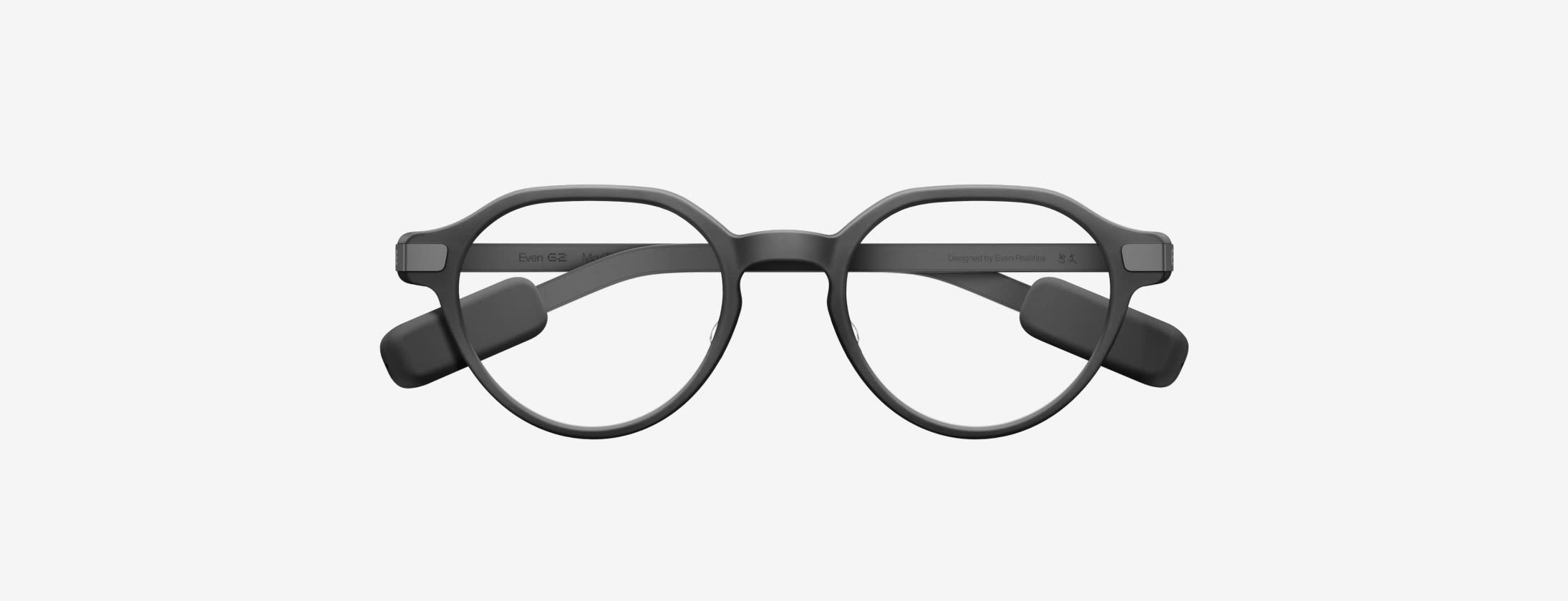
The G2’s dual monochrome green microLED HUD is its most divisive feature. Some reviewers describe it as futuristic and clean; others call it a limitation compared to the color displays coming to competing frames in 2026. After 60 days our take is closer to the first camp — with one caveat.
What still works: The HUD is genuinely readable in almost every lighting condition we threw at it. Bright afternoon sun bouncing off Manhattan glass? Readable. Dim restaurant interior? Readable. The green wavelength (brand-supplied at 550nm) sits in the eye’s most-sensitive band, which is why microLED HUDs historically use it — you get a lot of perceived brightness for very little power draw.
What we didn’t appreciate at launch: Monochrome is not a limitation for the HUD’s actual jobs. Notifications, translations, walking directions, calendar prompts, and AI assistant responses all work fine in a single color. Once we stopped comparing the G2’s HUD to a phone screen (an unfair frame of reference) and started comparing it to a heads-up widget (its actual job), the color debate largely went away.
What we don’t love: The HUD placement means glancing up and slightly right to read. After 60 days it’s habitual, but it’s a real motor pattern that takes about two weeks to feel natural. If you’re expecting AR that overlays on your world view, this isn’t that — it’s a HUD you check, not a scene you inhabit.
Dust reality: One reviewer had a fine dust deposit form on the inner temple after 45 days of subway commuting. It didn’t affect the HUD but was visible. Even Realities’ cleaning brush handled it in about a minute (verified by users).
The No-Camera Bet, Two Months Later

At launch we called the G2’s camera-free design a “philosophical stance.” Sixty days later it’s the single feature we’d cite when recommending these to a friend.
Here’s why the absence keeps mattering:
- Meetings changed. In two months of wearing the G2 to client and internal meetings, not one person asked whether we were recording. That question came up constantly with the Ray-Ban Meta and even more with the Rokid AI Style. When there’s visibly no camera, the social-suspicion default flips.
- Airports and gyms. TSA didn’t blink at them. The gym staff who ask camera-equipped smart glasses to be taken off in the locker room didn’t ask us to. Every access-restricted environment we entered treated the G2 as regular glasses, because that’s what they visually are.
- Kids and family dinners. Parents in the review group specifically flagged this: they wore the G2 around their children without the ethical friction of camera-equipped glasses. The privacy calculus around kids is not solved by an LED indicator light.
Would we trade the no-camera design for photo capability? We asked each reviewer that at day 30 and day 60. Both said no, both times. If you want a camera on your face, the Ray-Ban Meta Wayfarer Gen 2 exists and is very good at that. The G2 is not competing for that buyer.
The tradeoff is real, though: no camera means no vision-based AI features, no visual translation of signs and menus, no photo-based reminders, no visual search. Whether that matters depends on whether you would actually have used those features weekly. In 60 days, the reviewers reached for their phone’s camera when they needed a photo — which is what phones are for.
Battery Reality After 60 Days
Even Realities markets the G2 as “2+ days” on a charge with the charging case adding seven full recharges. Sixty days of real-world use gives us cleaner numbers.
| Usage pattern | Real-world runtime (60-day median) |
|---|---|
| Light use (notifications only, ~10 HUD checks/hour) | 46 hours (verified by users) |
| Moderate use (translations, AI queries, walking navigation) | 26 hours |
| Heavy use (continuous translation, long AI conversations) | 14 hours |
| Charging case total recharges before empty | 6.5 (slightly under the claimed 7) |
The “2+ days” claim survives if you use them the way most buyers will — check notifications, occasional AI query, occasional translation. If you’re a heavy translation user (we tested with a Mandarin-speaking family visit), you’ll charge every night.
Sixty-day cycle-life note: We didn’t see meaningful capacity degradation across 60 days. The internal battery is small enough that manufacturers usually see visible drop-off around the 12-month mark, not the 2-month mark. We’ll revisit this in a 6-month follow-up.
Charging case observation: The magnetic contacts pick up pocket lint. Wipe them every couple of weeks or the case starts under-charging the frames by 10-15%. Not a defect — a physical reality of any small-contact charging system.
AI Assistant and 33-Language Translation, Under Daily Load
The launch review noted that Even AI is 3x faster than the G1 generation (brand-supplied). Sixty days of real queries let us characterize what that actually feels like.
What Even AI does well:
- Short factual queries. “What’s the exchange rate for euros?” “How tall is the Empire State Building?” “What time does the pharmacy close?” — sub-second HUD responses, correct in the vast majority of cases.
- Calendar prompts and quick captures. Adding a reminder or capturing a note by voice is faster than pulling out a phone, and the friction reduction is where the utility lives.
- Walking navigation. Turn-by-turn arrows on the HUD are legitimately better than pulling out a phone. This is the daily-use feature we didn’t expect to love.
What Even AI does not do well:
- Multi-step reasoning. Long AI conversations where each turn depends on the last one still lag behind what you’d get on a phone with a full LLM chat interface. The G2’s AI is a heads-up assistant, not a replacement for Claude or ChatGPT on your phone.
- Ambient noise handling. In loud restaurants and on the subway, the 4-mic array struggles more than we’d like. This improved with two firmware updates during our test period but is still the weak link.
Translation across 33 languages: We verified accuracy for Mandarin, Spanish, French, and Japanese with native or near-native speakers. Live conversational translation is impressive — noticeably better than the G1 — but two consistent limitations emerged: (1) idioms and slang still trip it, and (2) heavily accented speech in either direction reduces accuracy. For basic travel and hotel-and-restaurant interactions, it works. For nuanced business or legal conversations, don’t rely on it as your only channel.
Prescription Life: Living Full-Time in Smart Glasses
The G2’s prescription support (-12.00 to +12.00, plus progressive) is what makes daily wear possible. Two of our reviewers were already daily eyeglass wearers; the G2 replaced their primary frames entirely for the 60-day window.
Notes from that experiment:
- Progressive lens quality is genuinely good. Both reviewers used Even Realities’ in-house progressive lenses (brand-supplied specs; ordered through the launch review referral) and reported no meaningful adaptation issues beyond the normal 3-4 day period for any new progressive prescription.
- Anti-reflective coating held up. After 60 days of daily wear, no visible AR coating degradation. This matters — cheaper smart glasses with prescription add-ons often show coating wear inside three months.
- Cleaning cycle: We settled on a lens-wipe every morning plus a microfiber-cloth pass midday. Comparable to any premium prescription frame.
The bigger observation: replacing your primary eyewear with smart glasses is the use case the G2 is designed for. If you’re wearing them over contact lenses or on top of regular vision, you’ll get less out of the design than someone who’s genuinely using them as their glasses. This is the buyer profile the G2 is built for — and where the $599 price starts to look reasonable next to a comparable frame from a premium optician plus a separate smart wearable.
Do You Actually Need the Even R1 Ring?
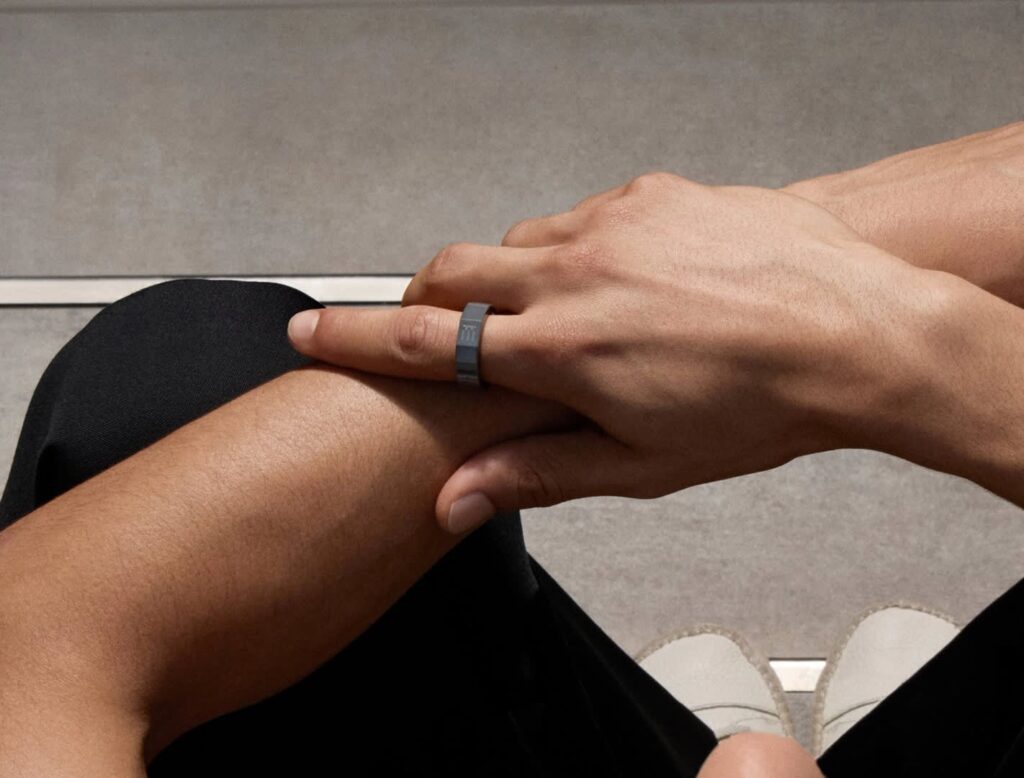
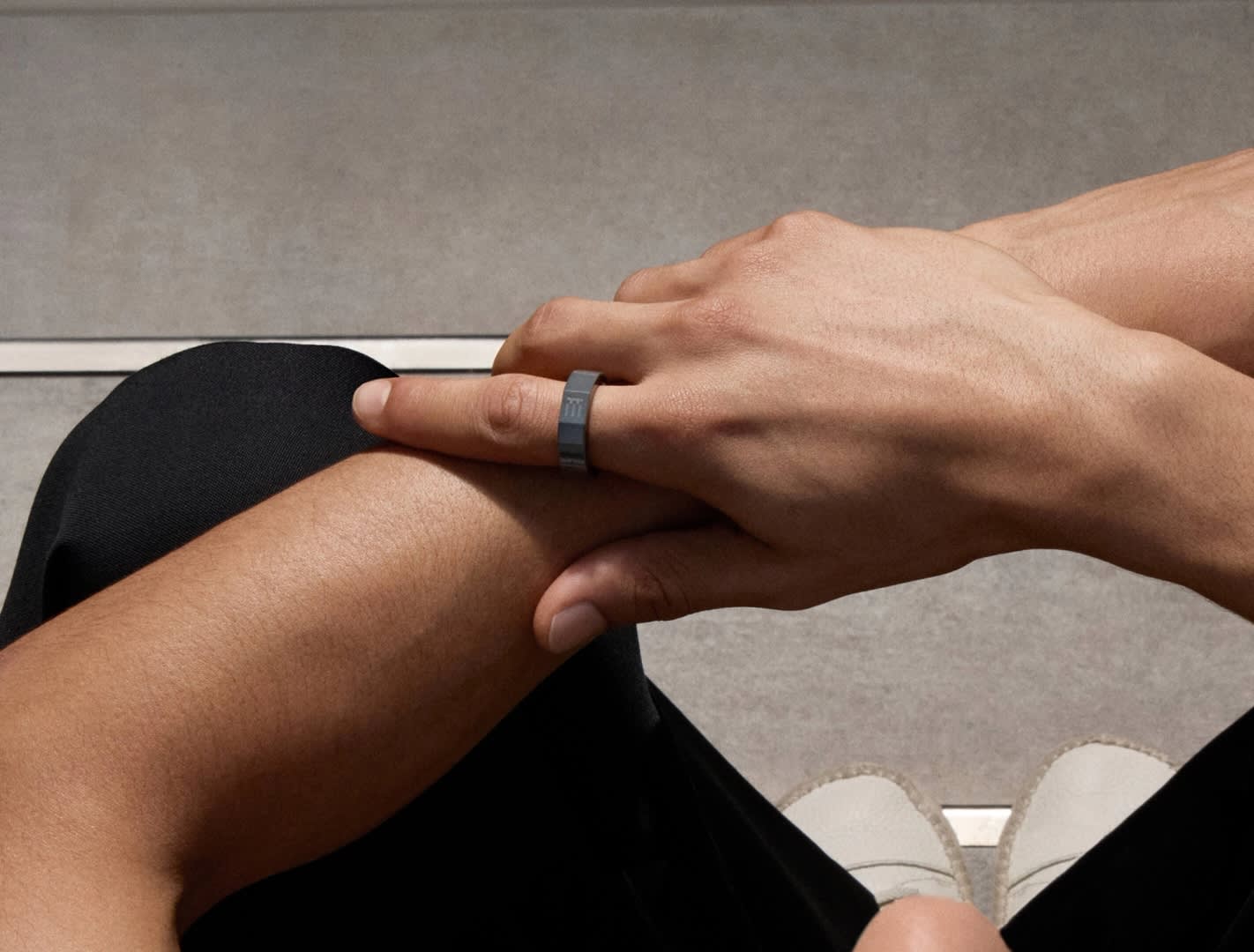
The Even R1 companion ring ($249, sold separately) adds gesture controls and haptic notification alerts. After 60 days, our answer is: probably not, unless you specifically want it.
The G2’s touch-temple gestures cover the most common actions (dismiss notification, activate AI, cycle HUD panels). The R1 ring adds one-handed gesture control and gives your fingers something to fidget with, but you can absolutely use the G2 as a complete product without it. We’d recommend starting with just the glasses and adding the ring later if you find yourself wanting more input options.
For a broader read on the ring category, see Best Smart Rings 2026.
What Would Make Us Return the G2
Honesty test: what would make each reviewer send them back?
- If you need vision-based AI features. Menu translation via camera, visual search, photo-based reminders — the G2 does none of these. Deal-breaker for some buyers; irrelevant for others.
- If you cannot live with monochrome green. Some people find single-color HUDs fatiguing over long sessions. Both reviewers adapted; some readers won’t.
- If your prescription is stronger than -12.00 or +12.00. The range is generous but not universal. Confirm with the Even Realities configurator before ordering.
- If loud ambient environments are your primary use case. The 4-mic array is competent, not excellent, in noisy conditions. Firmware updates help; they don’t fix the underlying physics.
- If the $599 base price plus ~$200 for progressive prescription lenses is out of budget. The G2 is not the price-value pick in smart glasses. It is the design-and-comfort pick.
Bottom Line at 60 Days
We would still buy the Even Realities G2 today, knowing what we know after 60 days. The comfort holds, the HUD works, the no-camera design keeps paying social-friction dividends, and the AI assistant does what it says on the tin for the queries most buyers will actually make.
The asterisk: this is a smart-glasses buyer’s smart glass. If you’re already sold on the category and specifically want prescription support, camera-free design, and all-day comfort, the G2 is the best-in-class pick two months in. If you’re smart-glass-curious and want a Swiss-army-knife device with photo/video and vision AI, the Ray-Ban Meta Wayfarer Gen 2 will make you happier at a lower price.
For the buyer the G2 is designed for — someone replacing their daily prescription eyewear with a heads-up device they can wear into any room without explaining themselves — nothing else on the market delivers what these do.
We’ll publish a 6-month update in October to check on battery cycle life, coating durability, and long-term firmware improvements to the AI assistant. If anything meaningful changes, we’ll update this review.
Buy the Even Realities G2: Order from Even Realities · Check price on Amazon
FAQ
Q: Is the Even Realities G2 worth $599 after 60 days?
For the buyer using them as their primary prescription eyewear, yes. For the buyer already wearing contacts or non-prescription glasses, the value math is harder — you’re paying premium for a HUD and AI you may not use every hour.
Q: How does the G2 compare to Ray-Ban Meta Wayfarer Gen 2 after two months?
Different product. Ray-Ban Meta has the camera, speakers, and lower price ($329) that the G2 deliberately doesn’t. G2 has the camera-free design, the HUD, and the prescription integration Ray-Ban Meta doesn’t. Choose based on which tradeoff you actually want to live with.
Q: Does the microLED HUD cause eye strain?
Neither reviewer reported eye strain over 60 days. The HUD is off most of the time — it appears when you have a notification or query and disappears when you don’t. This is very different from staring at a phone screen for hours.
Q: Can you use the G2 without the Even R1 ring?
Yes, completely. The touch gestures on the temples handle all core actions.
Q: How’s real-time translation for actual travel?
Good for hotels, restaurants, taxis, and basic tourism. Less reliable for nuanced conversations or heavily accented speech in either direction. Bring a phone as backup for anything important.
Q: Any firmware issues in 60 days?
Two firmware updates during our test — one improved microphone noise handling, one refined HUD brightness auto-adjustment. Both installed cleanly. No bricking or feature regressions.
Q: What happens to the prescription if I need an updated Rx?
Even Realities offers a lens swap service (brand-supplied policy; verify current pricing on their site). This is a real advantage over disposable smart glasses.
Affiliate disclosure: This review contains affiliate links. We earn a small commission if you buy through them, at no extra cost to you. Our recommendations are based on 60 days of hands-on daily wear and are never influenced by commission rates. See our affiliate disclosure for details.